- DATE:
- AUTHOR:
- The Customer Portal team
Effortlessly Manage Your Poly Devices in Xyte
Manage and monitor your Poly and HP devices more easily than ever with our new cloud-to-cloud connector for Poly Lens. Once connecting your Poly Lens account, you’ll be able to seamlessly import all Poly devices into Xyte and gain unified visibility into key details—space hierarchy, IP, model, submodel, firmware and software versions, serial number, MAC address, device name, description, and dynamic statuses like online/offline—all from our centralized platform.
Take action instantly with remote commands depending on the device, such as reboot and other commands, while enjoying one-click access from a specific device into the Poly Lens platform when deeper configuration is needed.
How to add Poly devices:
Navigate to the cloud-to-cloud connectors page and click “Add Connector”
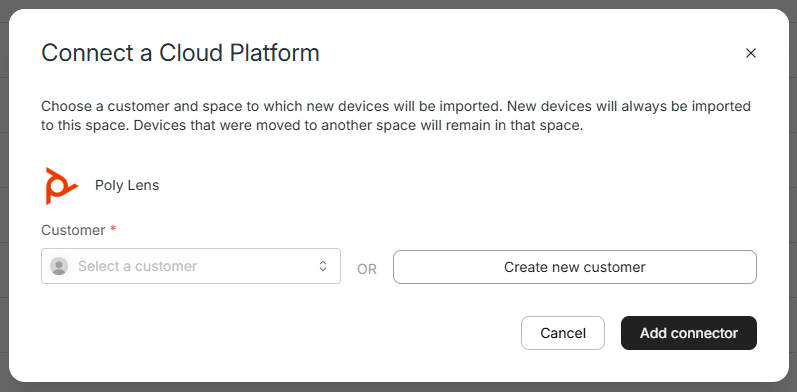
Select Poly Lens, then the customer/space for which you’d like to add the Poly devices and click “Add Connector.”
Authenticate the connection. Once authenticated, your connected devices will be automatically added and synced in your Xyte cloud.
Please contact support@xyte.io with any questions.