- DATE:
- AUTHOR:
- The Customer Portal team
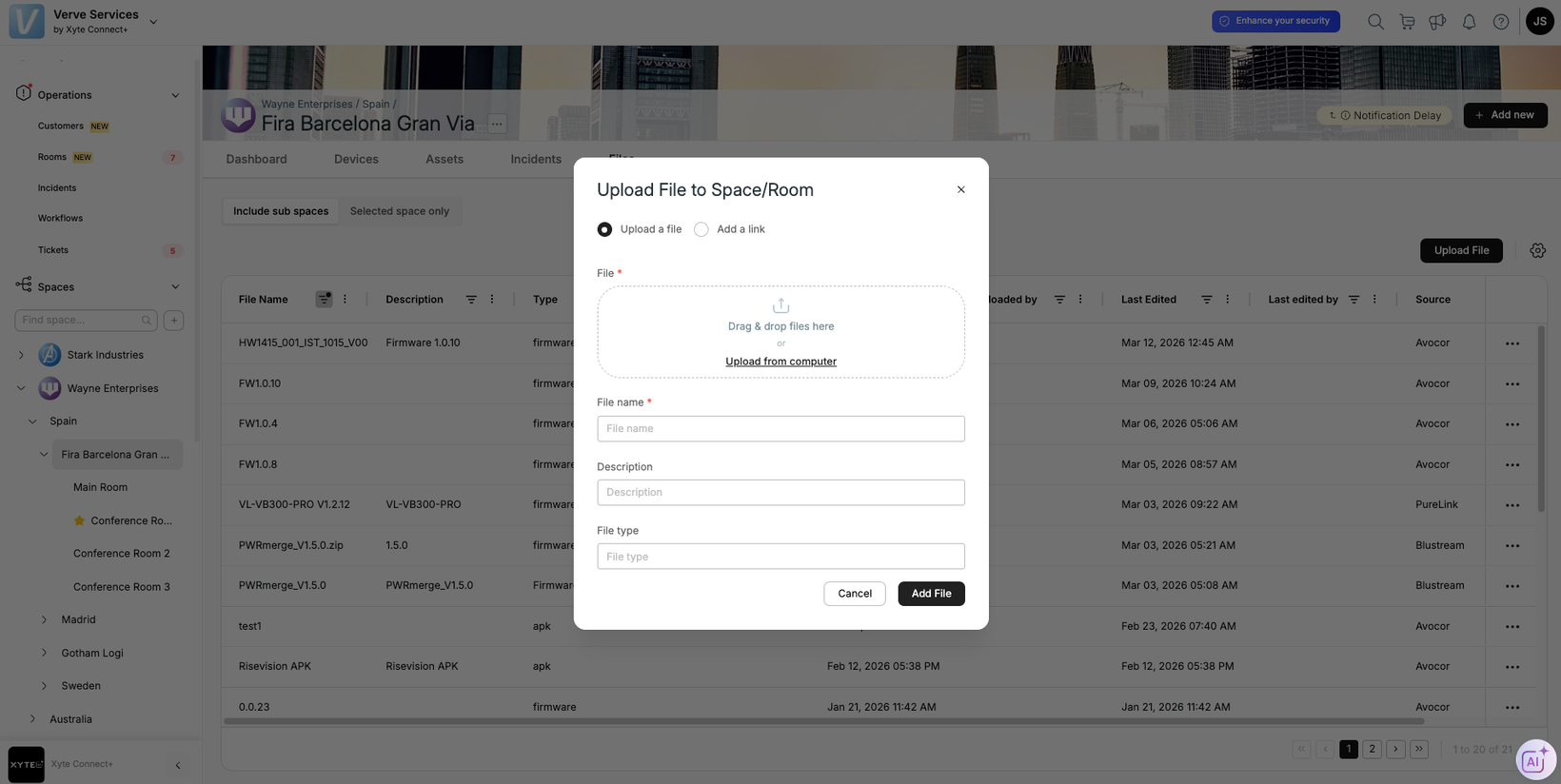
View all your files where they’re needed
All of your relevant files are now accessible in one view from the Files tab in each space. These may include device manuals uploaded by the manufacturer or any files you’ve uploaded relevant to your spaces (e.g. floorplans, contact information, etc.).
To upload a file to a certain space, navigate to the selected space, click on the Files tab in the top menu, and select upload file. The file will now be connected to the space for which it has been uploaded. When selecting a parent space (such as a building / a floor / a customer), you’ll see all of the files for the parent and sub spaces (unless “Selected space only” is selected).
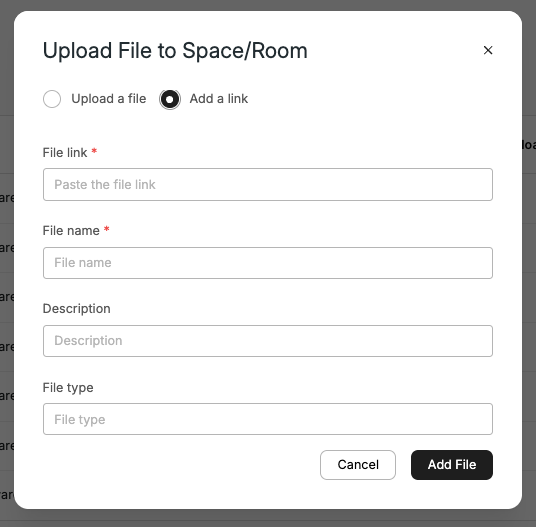
In addition, it is also possible to upload a link to files stored externally.
A dedicated Files tab under the Inventories tab (on the left-hand menu) consolidating all the files in your tenant, available in a read-only view.
Please contact support@xyte.io with any questions.