- DATE:
- AUTHOR:
- The Customer Portal team
Panasonic User
Extend your Panasonic projector coverage
DATE:
AUTHOR:
The Customer Portal team
Already managing Panasonic projectors in your portal? Through MEVIX Cloud Marketplace on Xyte, you can extend warranty coverage for eligible Panasonic projectors purchased in the US to five years of total coverage, plus a loaner projector.
How to do it:
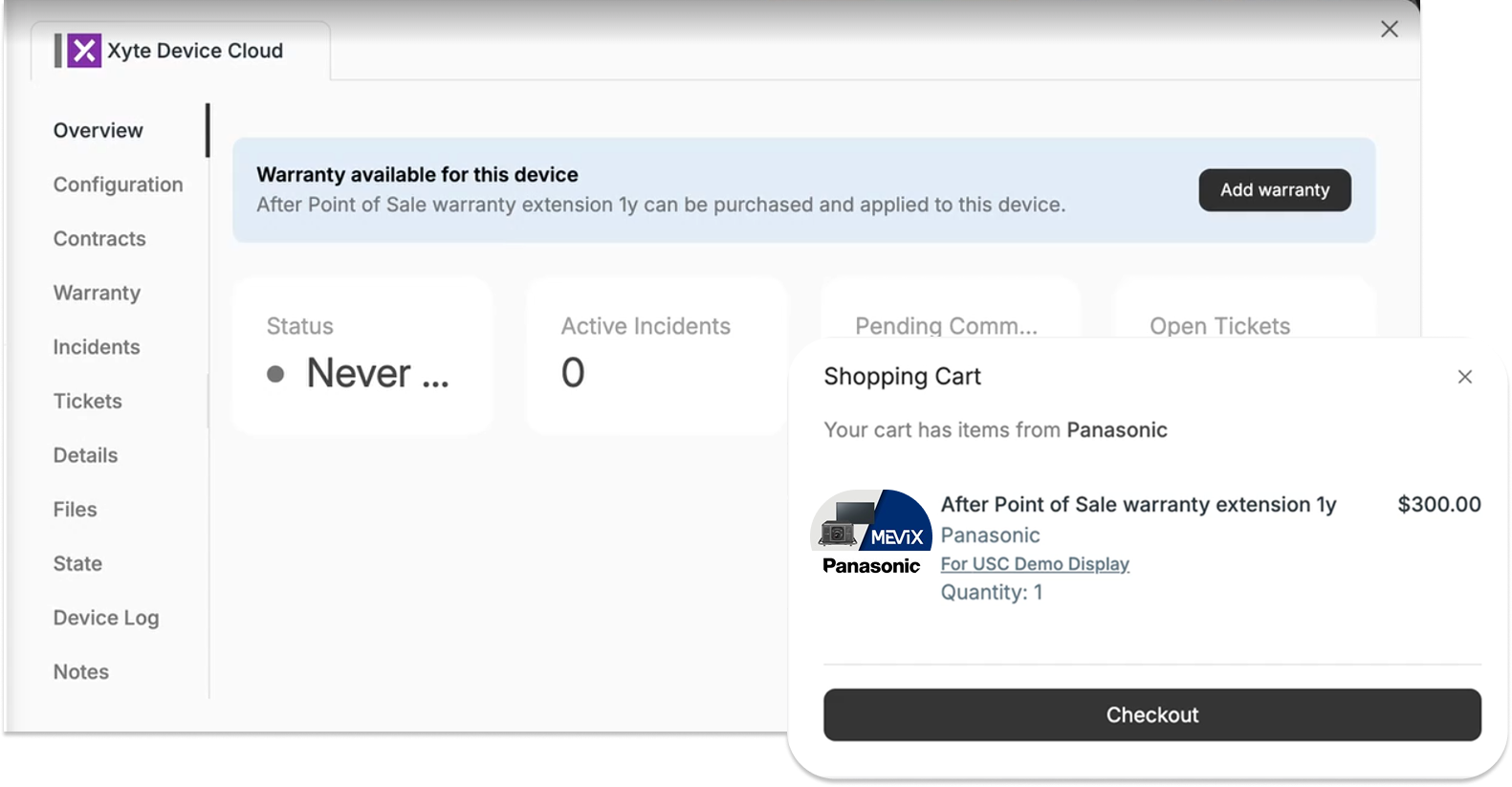
Open the projector in Xyte and go to its Warranty tab. You can also open the Store, choose Panasonic, and filter by Warranty.
Add the warranty extension to your cart.
At checkout, enter the projector’s original purchase order number.
Panasonic will then validate the order. Once it’s approved, the coverage and time remaining show on the device and on the Contracts screen. (Reminder to buy it within 180 days of your projector purchase).
Please contact support@xyte.io with any questions.